How to choose an office printer
Although we’re all conscious of doing our best to go green, the concept of the paperless office is still a long way from becoming reality.
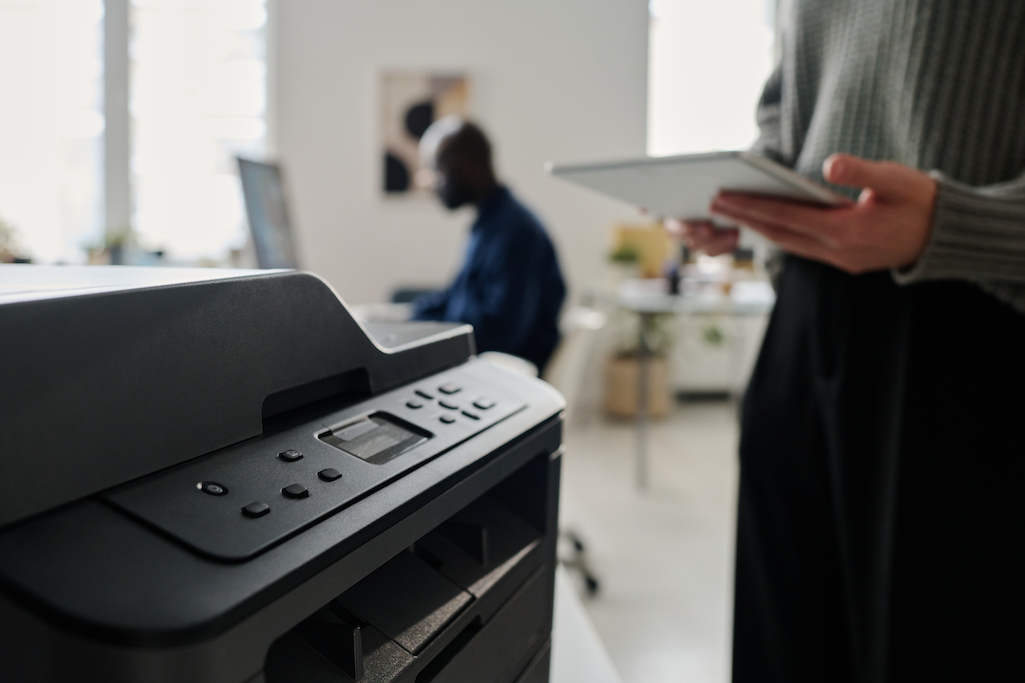
With many of us still needing to print our documents, it’s important to make an informed choice when it comes to purchasing our first office printer or upgrading an existing model. As well as ensuring that the model you select can handle all the tasks you require, it’s equally important to guard against over-specifying the machine and paying for features that you’ll never use. To help you choose the correct printer for your business, we’ve compiled a checklist of points to consider…
Inkjet or laser
It sounds simple, but this can often be a difficult – and divisive – decision, as each option has its own advantages. In general, a laser printer will give pin-sharp output, with striking colours and deep black tones. An inkjet, meanwhile, will tend to be more suited to the low-volume home office user as its ‘per page’ cost will usually be higher than its laser equivalent.
Black or colour
While this is still a consideration, it’s also becoming a little redundant as the majority of machines on the market are now colour. That said, if you go down the laser route there’s the option of sticking to black only if that better meets with your requirements. Inevitably, monochrome only machines are usually less expensive, and there’s only one toner cartridge to replace when it runs out.
Capacity
Evaluating the level of output in terms of number of prints you need will have an influence on the machine you go for. Here at TBM we offer a unique print audit which gives our clients valuable insights into the level of printing they’re carrying out and the cost per print. This enables us to give accurate advice on the best machine for their needs.
Speed
There’s nothing more frustrating – especially if you’re up against a deadline – than having to wait for your document to spool and print. Every printer on the market will have a published ‘print speed’, whether it’s colour or monochrome, and this can be a useful indicator, although with most machines printing wirelessly, the speeds will be affected by external influences such as the quality of your wi-fi connection.
Multifunctional machines
If you’re upgrading your printer, it’s a good idea to consider whether you’d benefit from a multifunctional machine that also offers copy, scan and even fax capabilities. Combining all these functions into one machine will no doubt be more cost-effective than having separate devices, but it’s important also only to opt for the functionality you’ll actually end up using.
Overall size
The size of the machine you have in mind is also a critical factor. From an aesthetic point of view, it needs to blend well with the shape and design of your office, and it also needs to have sufficient space around it to allow air to circulate sufficiently.
The environment
Features such as power-saving and auto-sleep can help you to reduce your impact on the environment, as can switching the machine off overnight where possible and recycling your toner cartridges.
The costs
As well as evaluating the initial outlay for the machine, it’s prudent to factor in the ongoing costs of using the printer. The largest outlay will be on replacing the toner cartridges and, as mentioned above, this is where our print audit can come into its own. One of our experts can review your current usage and analyse your ‘cost per print’ before using the results to identify the best machine for your needs. In many cases we’re able to save our clients money by recommending a more suitable model.
At TBM we supply printers and photocopiers to clients in Newmarket, Cambridge and Bury St Edmunds. To request a no-obligation print audit and quotation, please call us on 01638 665240, send us an email or complete our enquiry form.